In a survey, many people rank the same priorities, so you can see where you stand. Your answer is never shown with your name.
Taking a survey
Open Surveys in the menu and choose "Take it", or open a link someone sent you. You pick the priority that matters more to you, two at a time. There is no "equal" option, and only a finished ranking counts. You don't need an account.
About you
After ranking, you can tell us a little about yourself: age, gender, partner status, country and more. Every question is optional, and you need to be 18 or over to answer. These answers are only used to compare groups of ten people or more. You can choose "Skip"; your ranking counts either way.
Your result
You then see your top three beside everyone's, and where you differ most. Everyone's ranking appears once ten people have answered; until then you see your own.
Reading the results
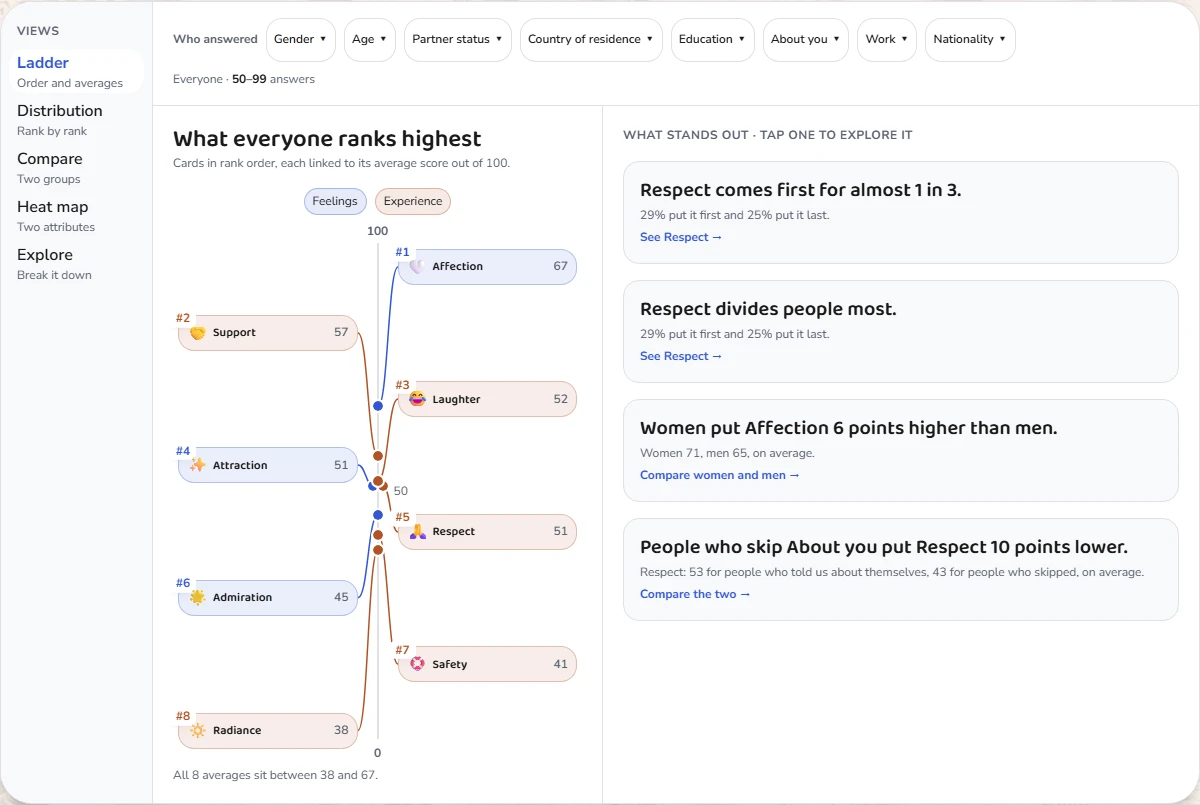
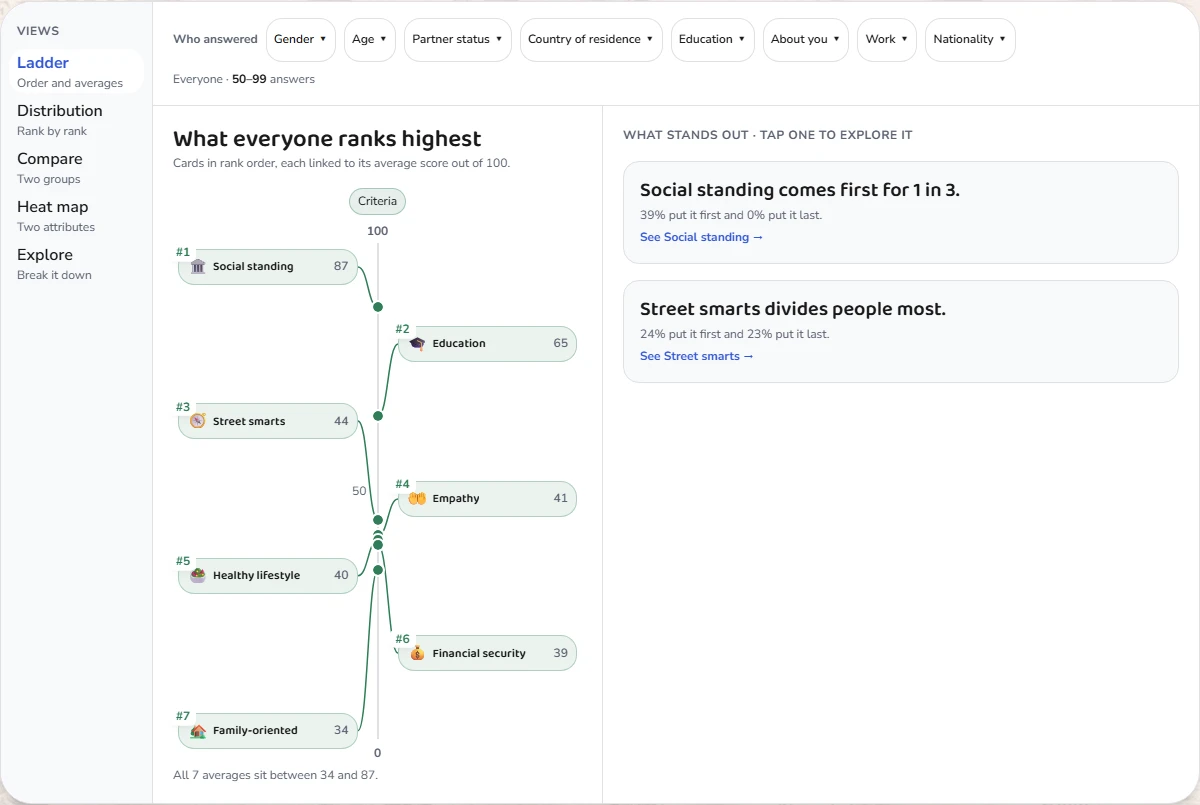
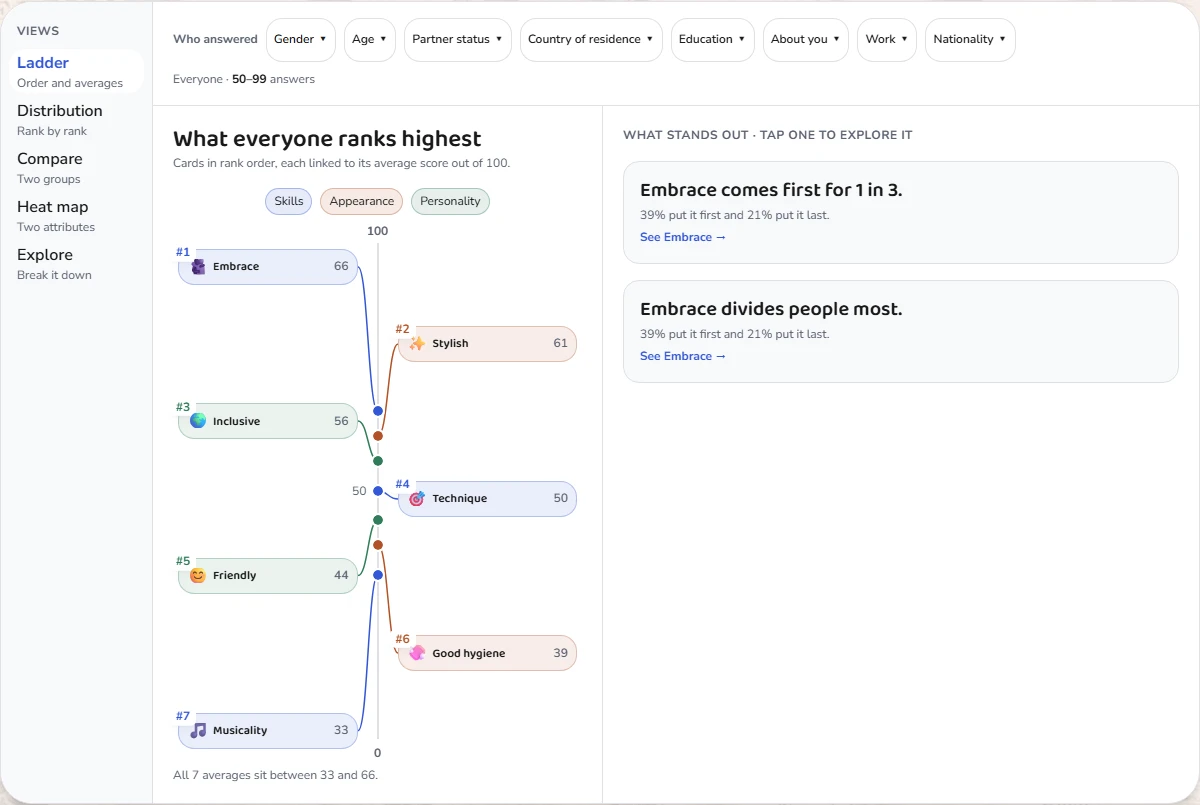
The full results have five views: Ladder, Distribution, Compare, Heat map and Explore. "Who answered" narrows them to a group, such as an age band or a partner status. A group is hidden when showing it could give away the answers of fewer than ten people. Answers completed very quickly and possible duplicates are left out; Romance math gives the exact rules.
Sharing the results
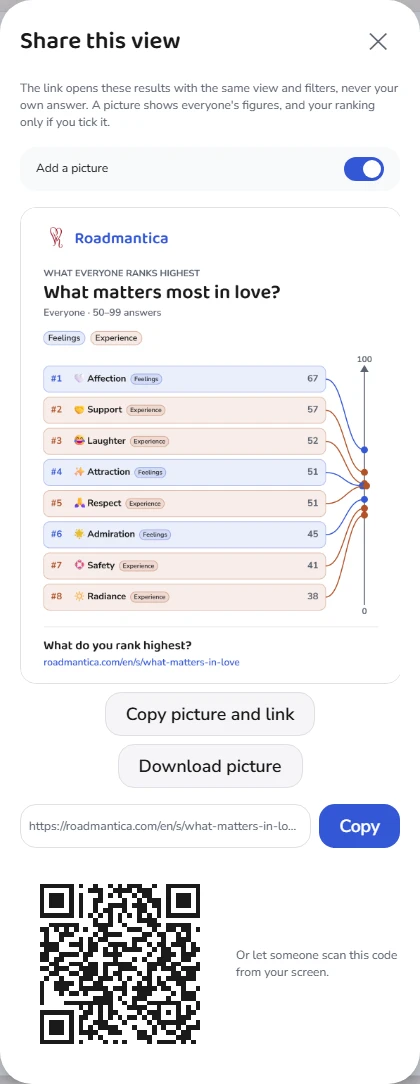
Under the results, Share sends a link to the view you are looking at, filters included. Switch on "Add a picture" to send a picture of these results with it, and of your own ranking if you answered. The pictures are made on your device.
Changing or removing your answer
While a survey is open, come back to it and choose "Rank again": your new ranking replaces the old one. "Remove my answer" takes it out of the results and leaves your priorities as they are.
Surveys and your priorities
If you have already ranked the same priorities, you can reuse that ranking or choose "Rank fresh". A survey ranking also becomes your priorities for that set if you had none; if yours differ, you choose which to keep. In "What next", "Start an alignment" begins one with the survey's priorities.
Making your own survey
Sign in and choose "New survey +". Pick a priority set, built-in or your own, give the survey a title, and choose who can answer: Public lists it on Surveys for anyone, Private keeps it to people with the link. Then share the link or the QR code. Results appear once ten people have answered.
Managing your surveys
"Created by you", on the Surveys page, lists the surveys you made. You can change a title or a description at any time, and the priorities until someone else has ranked them. The bin button archives a survey, which then takes no more answers; under "Archived" you can restore it or delete it for good.
Your survey profile
Your About you answers are kept as your survey profile and used for every survey you take. Open "Your survey profile" in the account menu to change it or delete it; your rankings stay in the results, without those details.